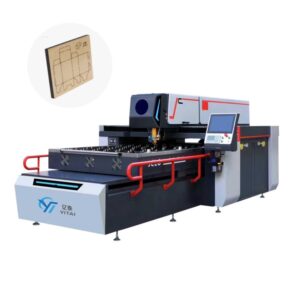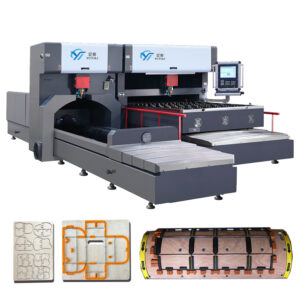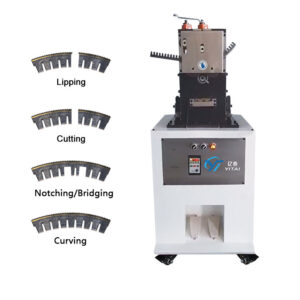
Common Problems and Solutions for Die Board Laser Cutting Machine
For many die making factories, the die board laser cutting machine has become an essential production tool. Whether you are using a 400W or 600W plywood laser cutter, stable cutting performance directly affects:
- Knife slot accuracy
- Rule insertion quality
- Die board lifespan
- Production efficiency
However, during daily operation, some common issues may occur. Most of them are not serious machine failures, but parameter, maintenance, or environmental problems.
This guide summarizes practical troubleshooting experience for wooden die laser machine users.
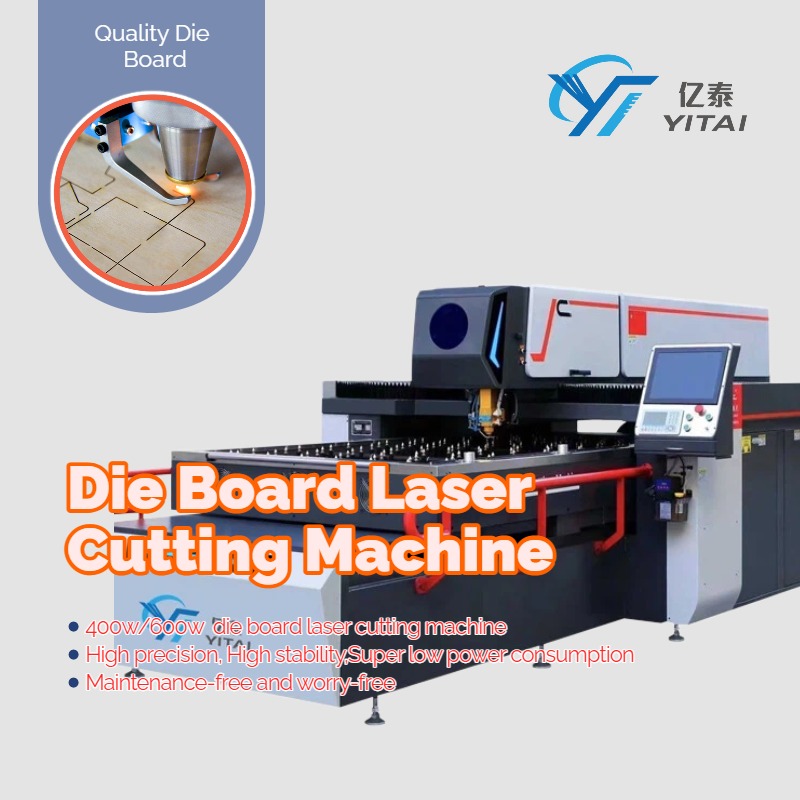
1. Slot Width Too Wide or Too Narrow
Symptom:
The knife slot is either too tight or too loose.
Cause:
Incorrect focus height of the die board laser cutting machine.
Solution:
- Re-adjust the focus position.
- For 0.71mm die board, follow standard focusing height settings.
- Generally, the closer the nozzle is to the plywood surface, the smaller the slot.
- Always test with low power before full cutting.
Correct focusing ensures stable and uniform slot width.
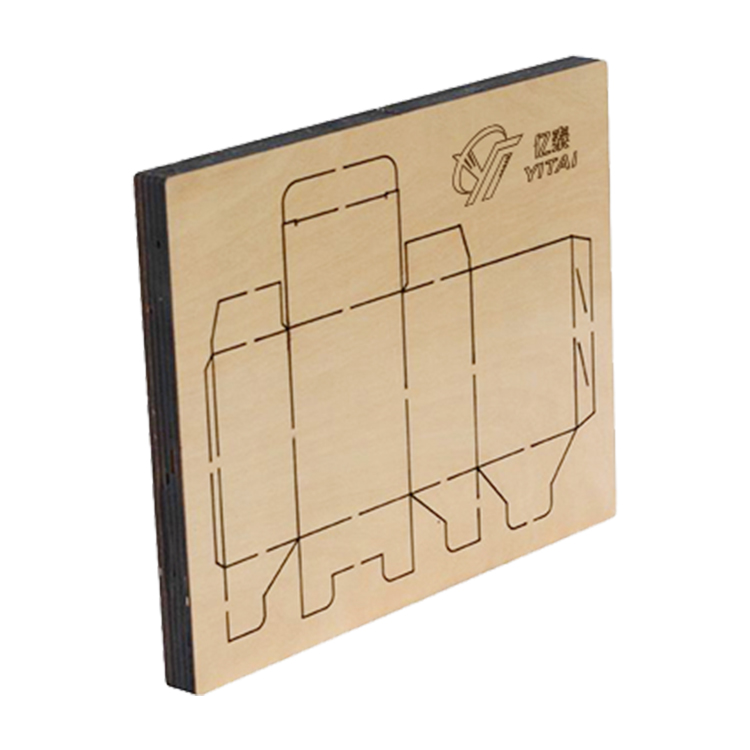
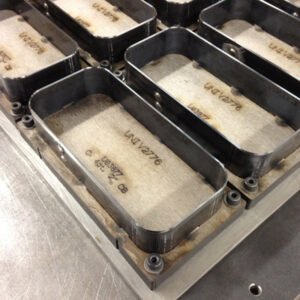
Plywood die board
2. Bottom Slot (Reverse Knife) Too Large or Too Small
Symptom:
The bottom of the slot is inconsistent.
Cause:
Improper power and speed settings.
Adjustment Rule:
- Bottom too small → speed too fast or power too low
- Bottom too large → speed too slow or power too high
Optimize parameters layer by layer in the plywood laser cutter software.
3. Some Areas Cannot Be Cut Through
Possible Reasons:
- Poor plywood quality (internal impurities)
- Unstable factory voltage
- Aging laser tube
- Faulty laser power supply
Recommended Checks:
- Inspect die board quality.
- Confirm stable voltage (voltage fluctuation causes unstable laser output).
- Test laser power output stability.
Voltage stability is extremely important for any wooden die laser machine.
4. Excessive Burning or Carbonization
Cause:
Laser beam not centered in the nozzle.
Solution:
- Perform low-power beam alignment.
- Ensure the beam exits from the center of the nozzle.
Proper alignment reduces edge burning and improves cutting cleanliness.
5. Cutting Gap Gradually Becomes Larger
Possible Causes:
- Lens contamination (oil or water)
- Moisture in compressed air
- No air filtration
Solution:
- Clean focusing lens carefully.
- Drain water from air compressor daily.
- Install air filter to stabilize airflow.
Clean optics are essential for stable plywood laser cutter performance.
6. Cutting Position Misalignment
Case A: Every board shifts
Check for loose screws on the machine table.
Case B: Occasional shift
- Verify board clamping stability.
- Inspect driver and motor wiring.
- Check motherboard condition if necessary.
Mechanical stability is crucial for accurate die board laser cutting.
7. Poor Smoke Extraction
Long-term use of a wooden die laser machine generates large amounts of wood dust.
Check:
- Is the exhaust fan working properly?
- Is the fan blocked by accumulated chips?
Regular cleaning prevents:
- Lens contamination
- Over-burning
- Airflow instability
8. Communication Error Between Machine and Computer
Solution:
- Check USB cable first.
- Reconnect the machine in software.
- If unstable, use network cable (NET port).
Stable communication ensures uninterrupted production.
9. Control Screen Not Lighting Up
Check:
- DISPLAY network port connection
- Air switch condition
- Power supply stability
If unresolved, contact professional technical support.
Preventive Maintenance Tips for Wooden Die Laser Machine
To ensure long-term stable operation:
- Clean lens weekly
- Drain air compressor daily
- Inspect voltage stability regularly
- Clean exhaust fan monthly
- Check beam alignment periodically
Most downtime can be avoided with consistent maintenance.
Final Advice for Die Making Factories
In most cases, issues with a die board laser cutting machine are related to:
- Focus settings
- Parameter mismatch
- Plywood quality
- Voltage instability
- Maintenance neglect
If you encounter technical issues, prepare the following information:
- Machine model (400W / 600W)
- Board thickness
- Power & speed parameters
- Photos or short video of the problem
Providing clear details helps technical support respond faster and more accurately.